Events & spaces
Event work connects a scheduled record to physical space and the surfaces guests and staff use.
Events and Calendar
Create the event record first, then use Calendar to coordinate the event itself and its associated Work Orders. Keep location, timing, ownership, and delivery dependencies on the shared record.
Layouts and Layout Builder
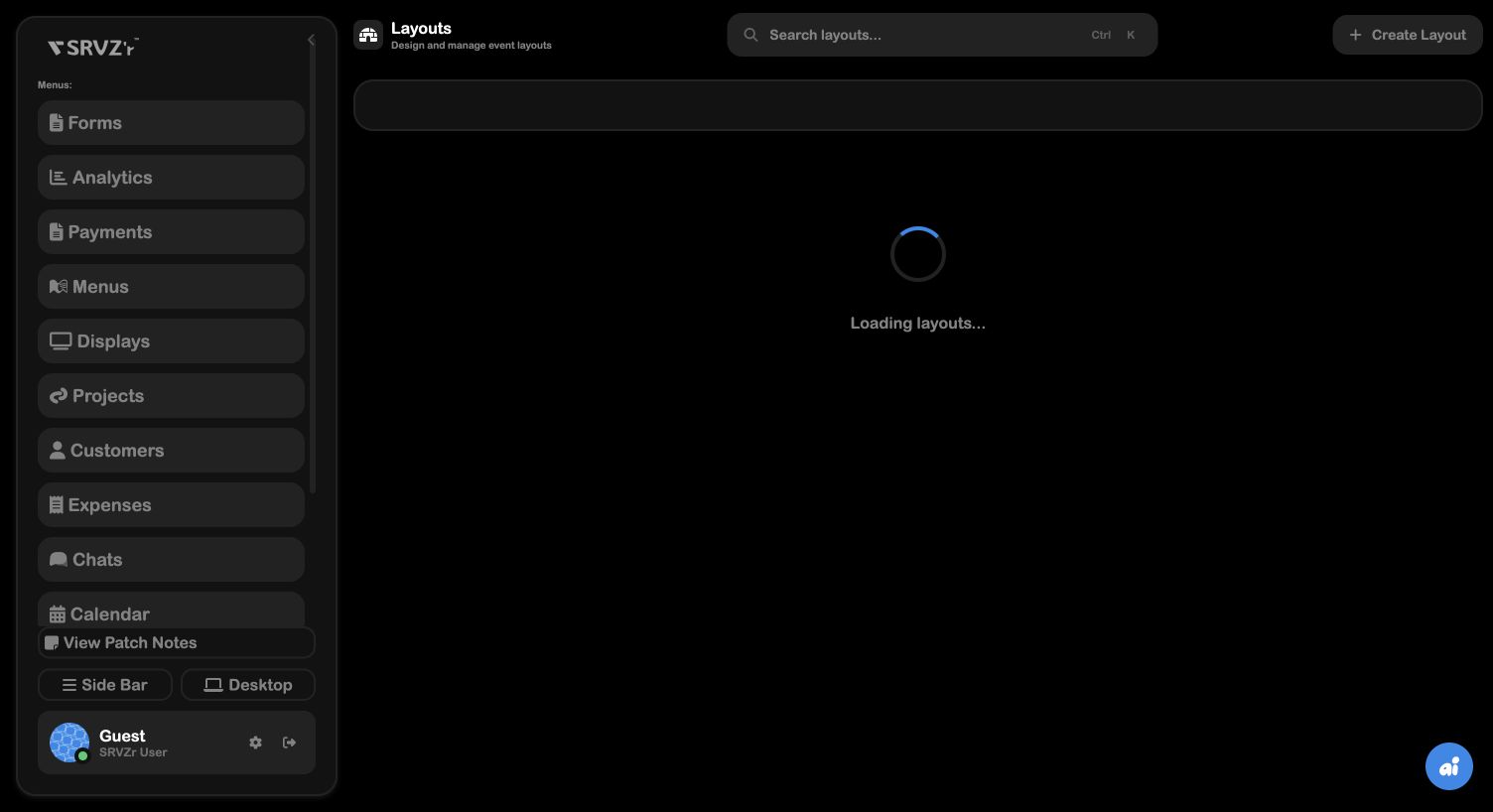
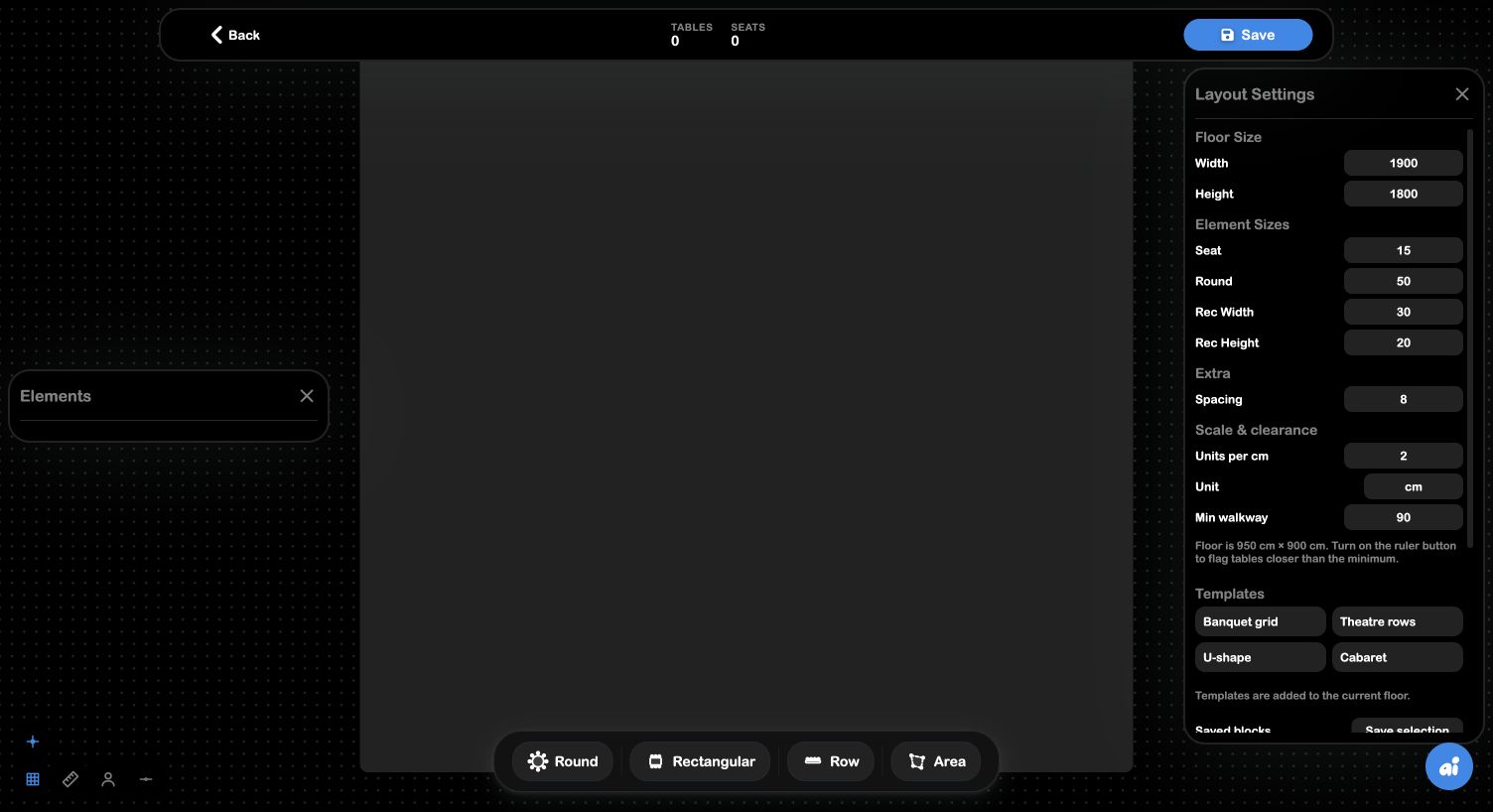
Layouts are reusable spatial plans. The Layout Builder defines geometry, reusable objects, and saved arrangements; Event Drawing applies the plan to a specific event with snapping, grid, clearance, seat assignment, and gap controls. See Layouts and Layout Builder.
Menus and Displays
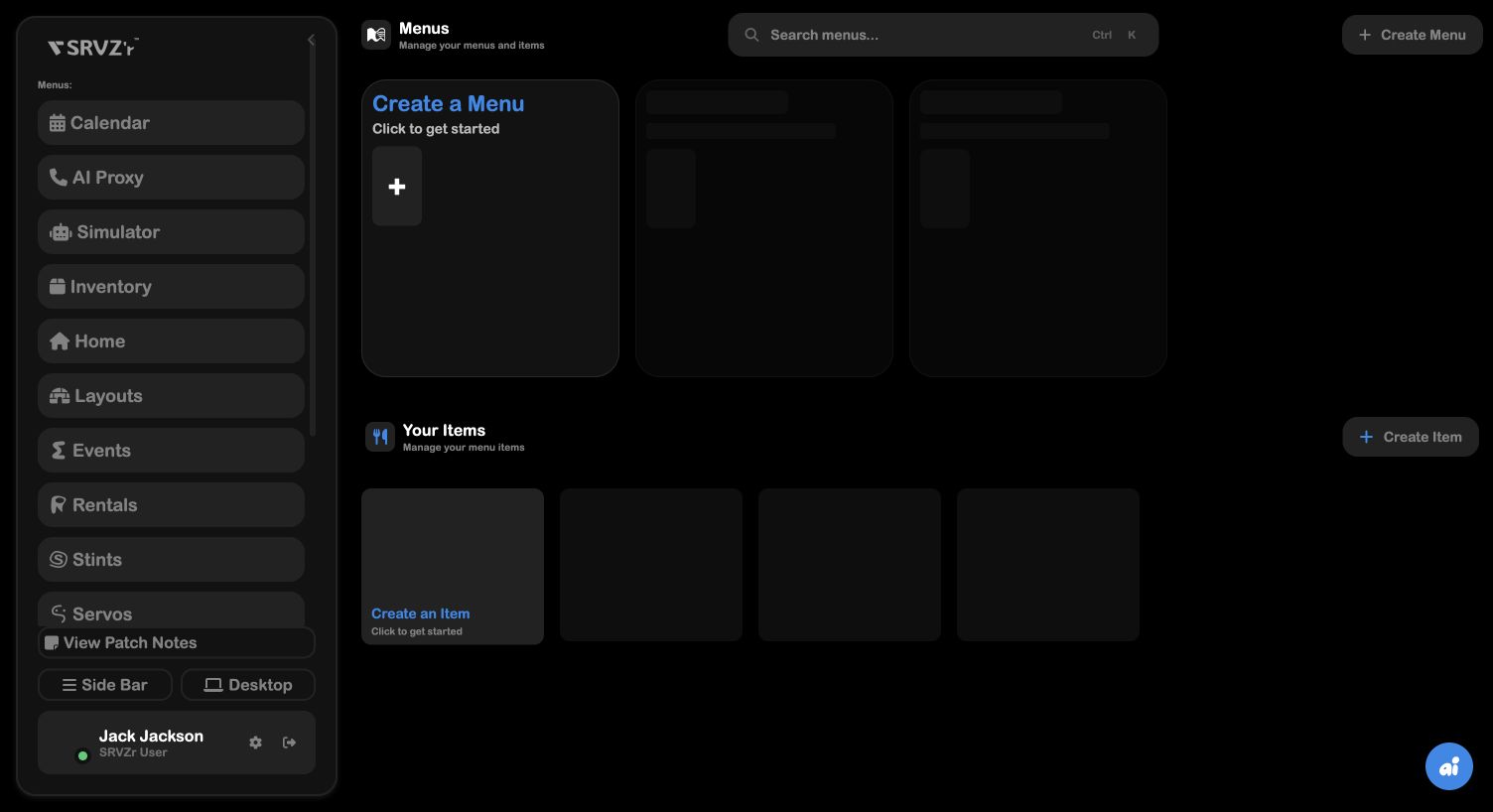
Menus define what a terminal or event experience can present and sell. Displays define what guests or staff see. Keep item naming and availability consistent with Services, Rentals, and Inventory so the physical experience reflects the commercial records.
Event-day checklist
Verify layout and clearances, confirm displays and menu items, check inventory, confirm Calendar work orders, then reconcile payments and expenses after delivery.