Event Drawing
Event Drawing applies a layout to a specific event and supports spatial editing.
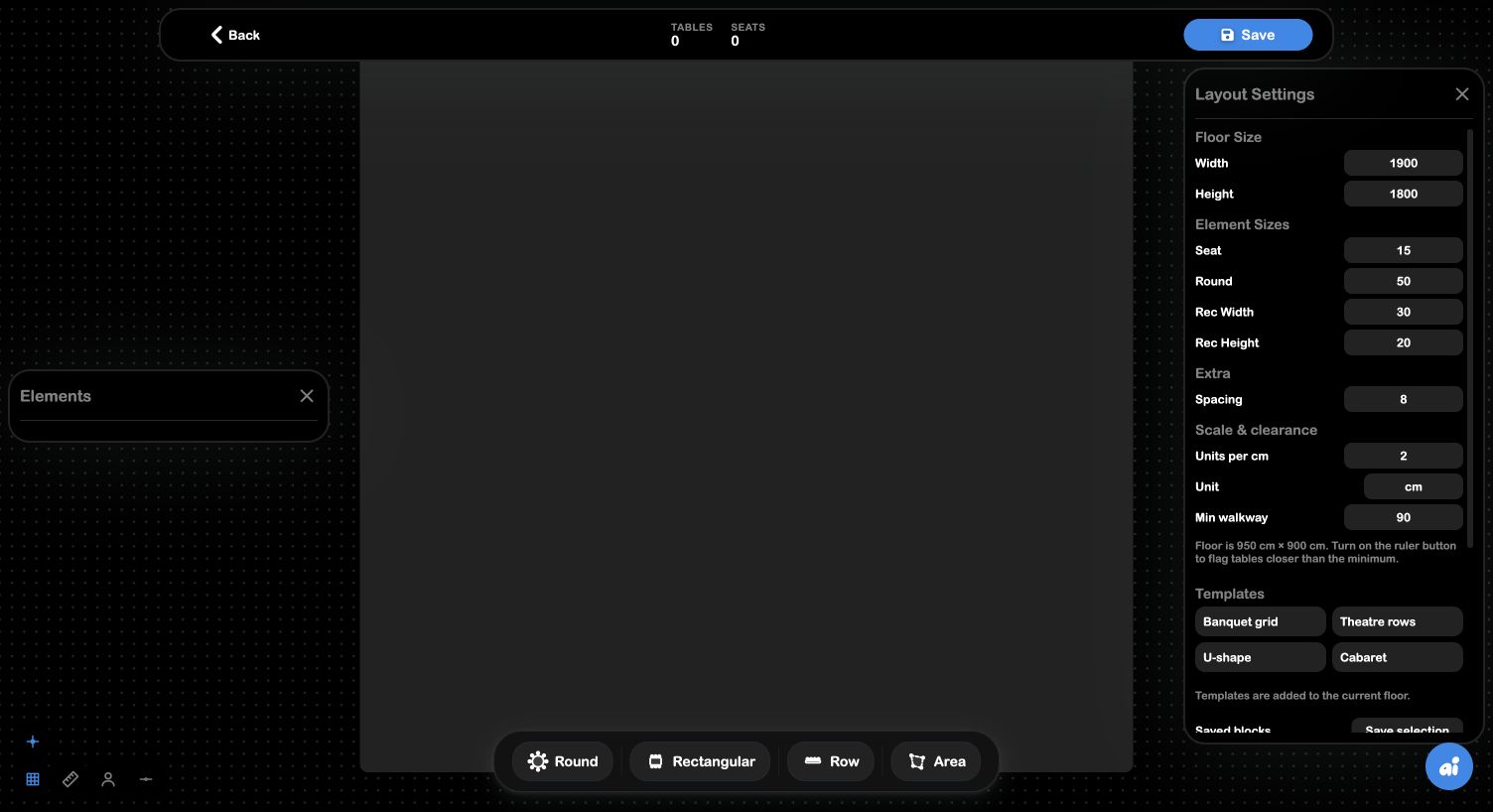
Workflow
Open the event drawing → add or select Elements → use snapping and grid for alignment → turn on clearance when validating safe spacing → assign seats where relevant → adjust gaps → Save. Use Layout Builder for reusable room geometry and Event Drawing for event-specific changes.