Recent updates
These guides explain the recent changes and where to find their current controls. Each guide distinguishes inspected screens from workflows that still need a connected service, supported device or further verification.
Start with AI
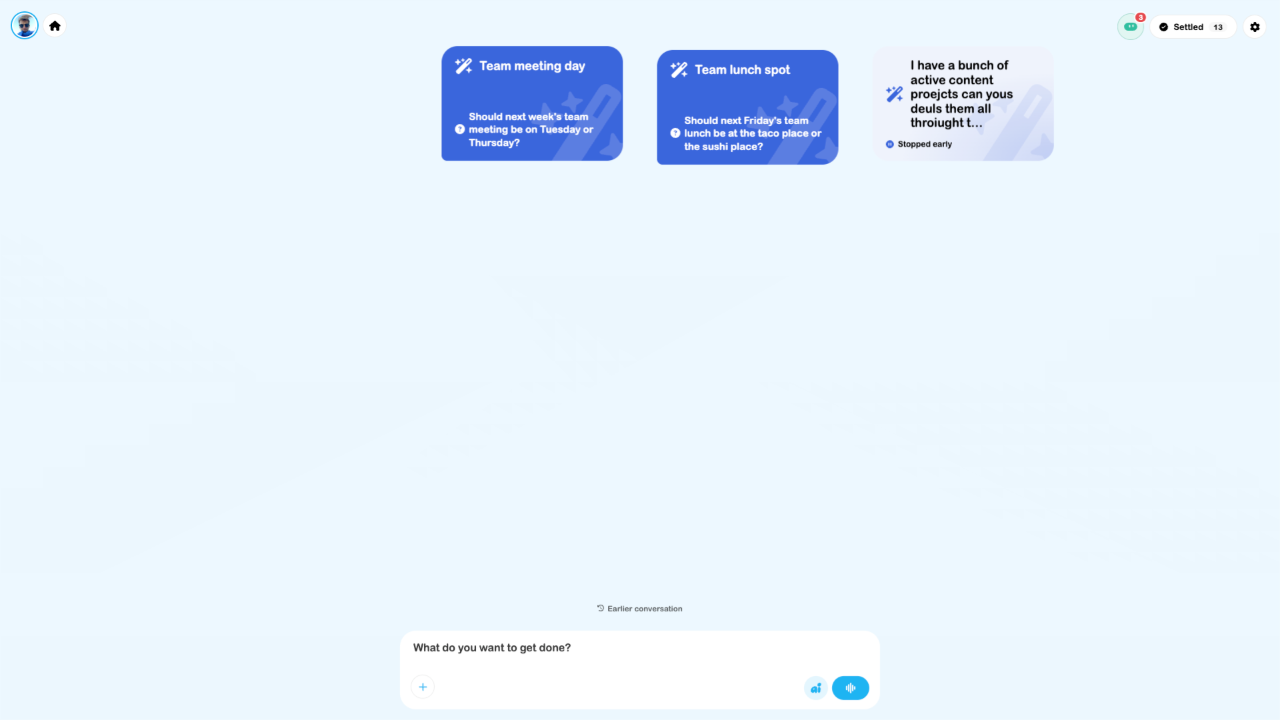
/ai is now the main assistant workspace with cloud tasks and live voice. Older instructions about selecting a device/cloud run location or opening Multitask at /ai have been replaced. Ordinary business tools remain available from Home Screen and their own pages.
New to the platform? Read SRVZ vs SRVZr to choose the right app.
Find the updated guides
Use /ai for the cloud assistant, task conversations, files, history and settled work.
Plan a day with AIGive a bounded brief, resolve questions and compare the result with booked jobs.
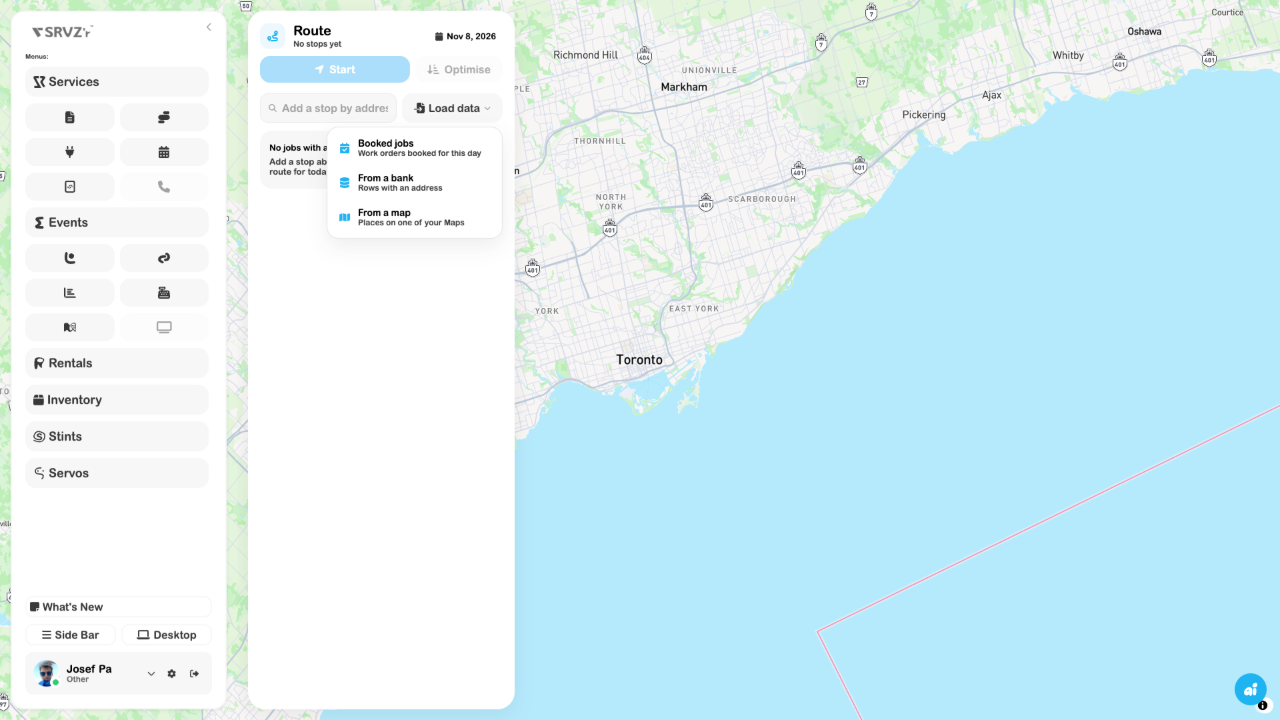
Routes and car navigationLoad stops from bookings, bank rows or maps and review turn-by-turn guidance.
Home Screen and workspace navigationLaunch apps, use pull-down search and distinguish AI from Desktop and Table.
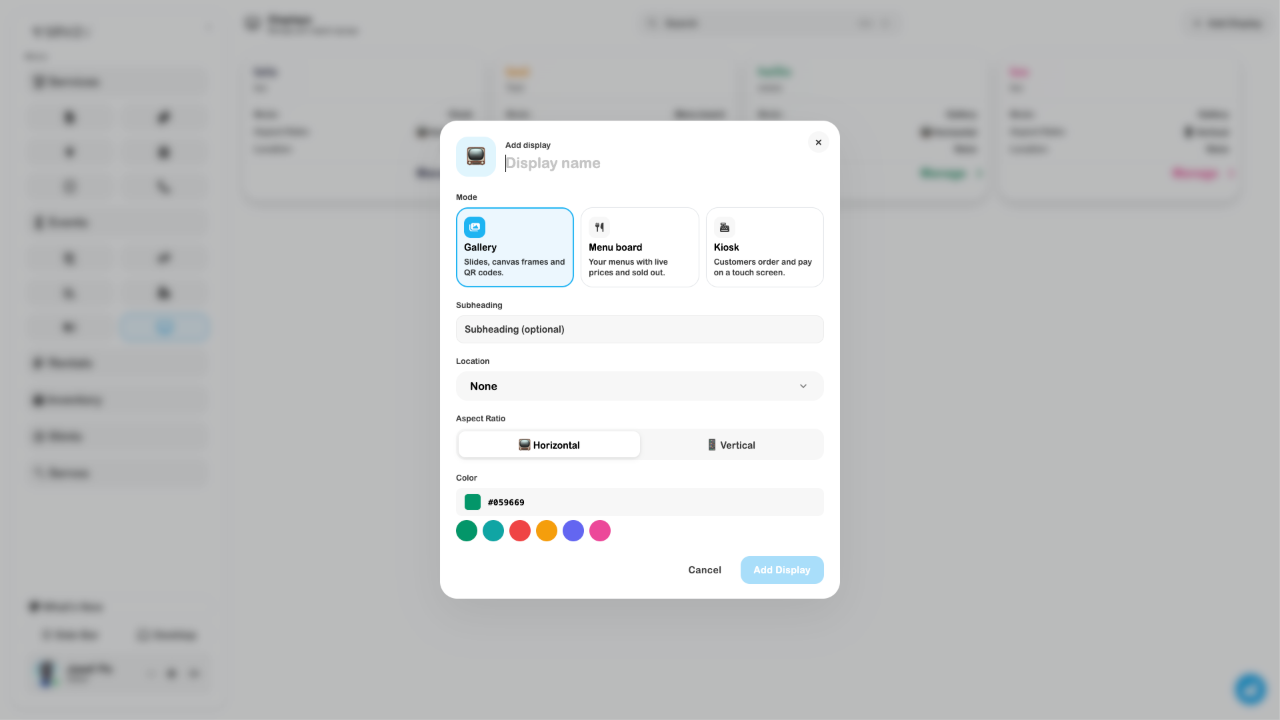
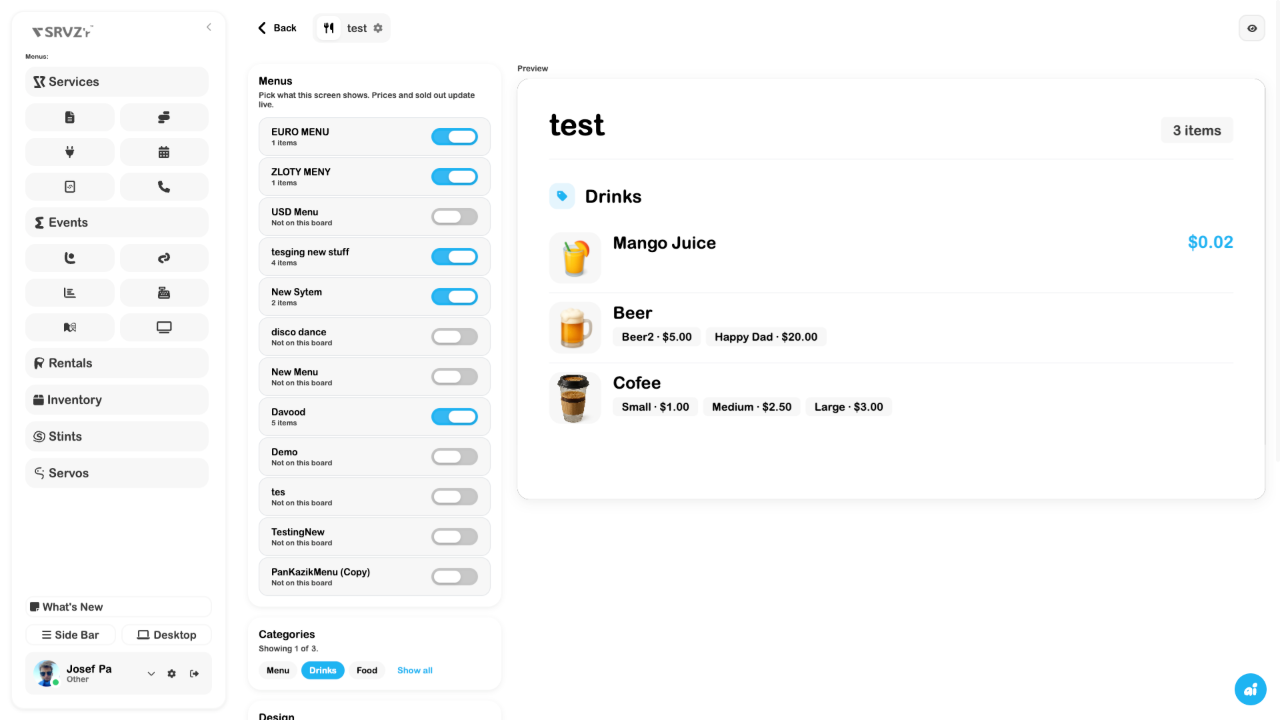
Display modesChoose Gallery, Menu board or Kiosk and review menus, payment settings and resets.
Order revisions and growing request listsFind paged work orders and send supported answer corrections for customer approval.
PasskeysAdd, rename or remove a device credential from User settings.
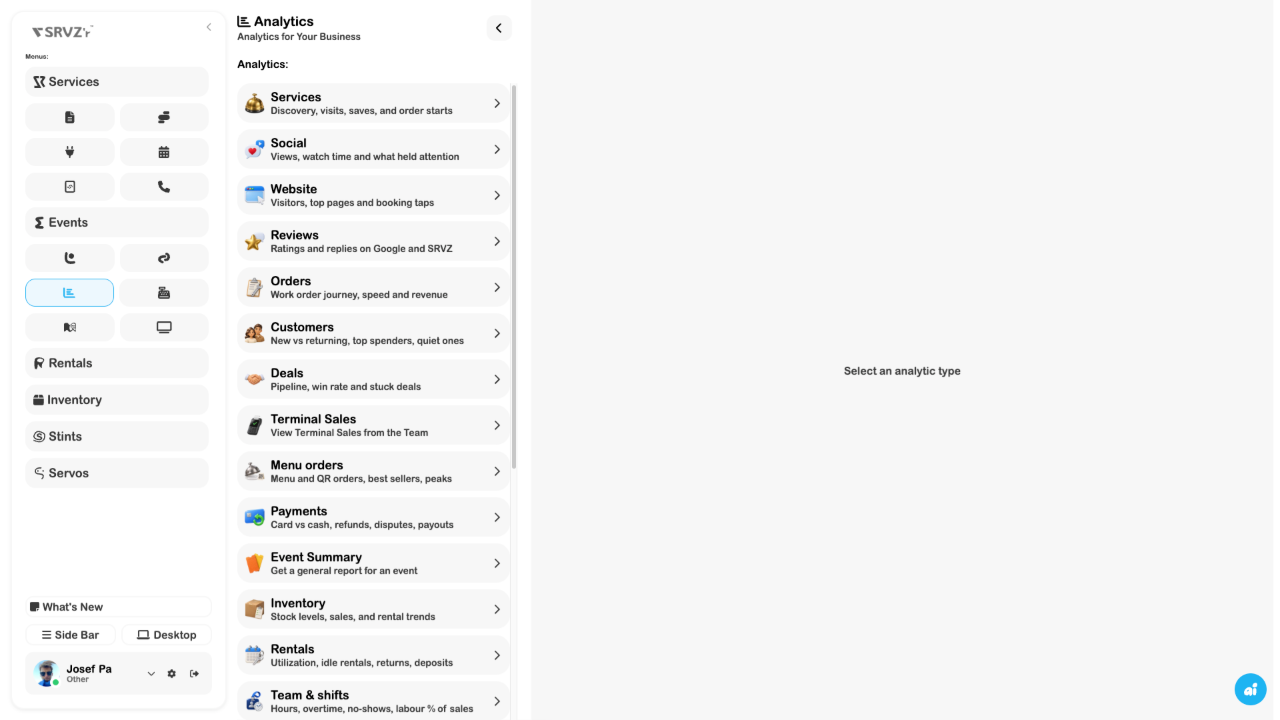
Analytics hubFind the expanded report chooser and understand setup and data limits.
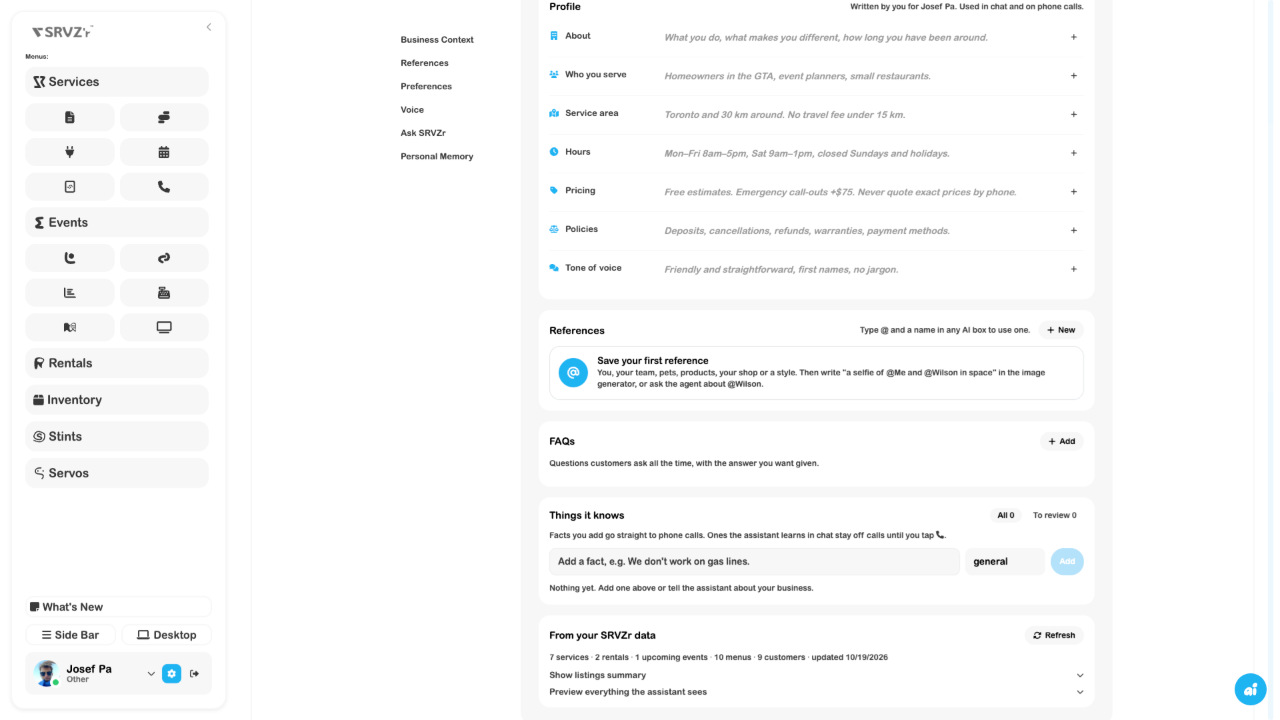
References and @ mentionsSave reusable material and select it in supported AI composers.
Configured agentsFollow questions and runs from AI while managing instructions and schedules in Agents.
Content release plansKeep the current cut, review, schedule and destination results together.
Individual seat availabilityTake a seat off sale independently from its table.
Apps and snippetsReview cloud-built apps, full-screen previews and published addresses.
Per-app bank accessCheck bank ownership and the operations allowed for each app.
Payment disputesInspect the original payment, dispute reason, response status and deadlines.
Rooms and robot planningSeparate interactive models, relocalization and simulator views from physical robot proof.
Capture and photo evidenceDistinguish local capture, pending upload and a saved business record.
Phone lines and call flowsPrepare business-line routing and an AI receptionist without confusing setup with a live call.
Take e-Transfer paymentsFollow deposit-email verification and bank-notification forwarding setup.
Inspect the new screens