Plan a day with AI
Prepare a day's visits without confusing an assistant's plan with confirmed bookings. Start with jobs already booked in the intended business.
1. Give the assistant a bounded task
Open /ai, check the business and ask:
Review tomorrow's booked jobs. List the customer, address, appointment window and missing information. Prepare a proposed visit order. Do not change bookings or contact customers.
Attach any supporting instructions with Attach files. Name the actual date if tomorrow could be ambiguous.
2. Resolve the task's questions
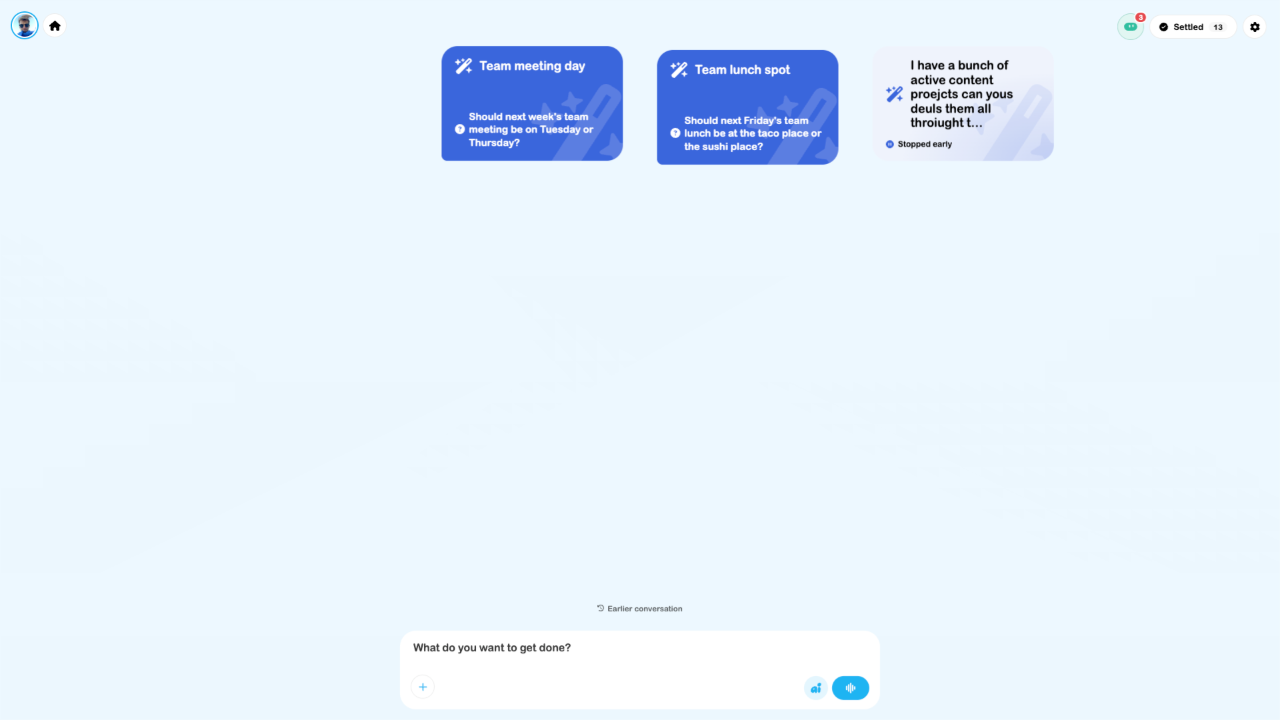
Open the task card and read its sources and missing details. Reply in that task. Check the actual work order before supplying an address or promising a time. If an action is proposed, read the exact values and approve only the work you intend.
3. Inspect the route
Open Routes, choose the day and use Load data → Booked jobs. Compare its stops with the assistant's summary. Add a supplier visit only if needed; check addresses and review Optimise against appointment windows.
4. Verify the handoff
Check the route on the device that will be used for navigation. Review missing-data warnings, location access and any device-local storage notice. Starting a route is separate from assigning jobs or publishing team shifts.
5. Return and review
Return to the task for a follow-up summary. Settle it when you want it off the active canvas; reopen it from Settled later. Keep operational notes in the work order or project so the team can find them independently of a conversation.
This tutorial combines source-confirmed controls and inspected screens. It did not run an assistant task, alter bookings, import route stops or send customer messages.