Build a customer booking workflow
Connect a form, pricing, and the next steps in Flow Builder.
Before you start
An offering and a published form; an agreed pricing and approval process.
The example
Build a customer path for a service that first gathers information, then offers the relevant tier or quote, and finally handles the next approval/payment step.
1. Start the correct flow
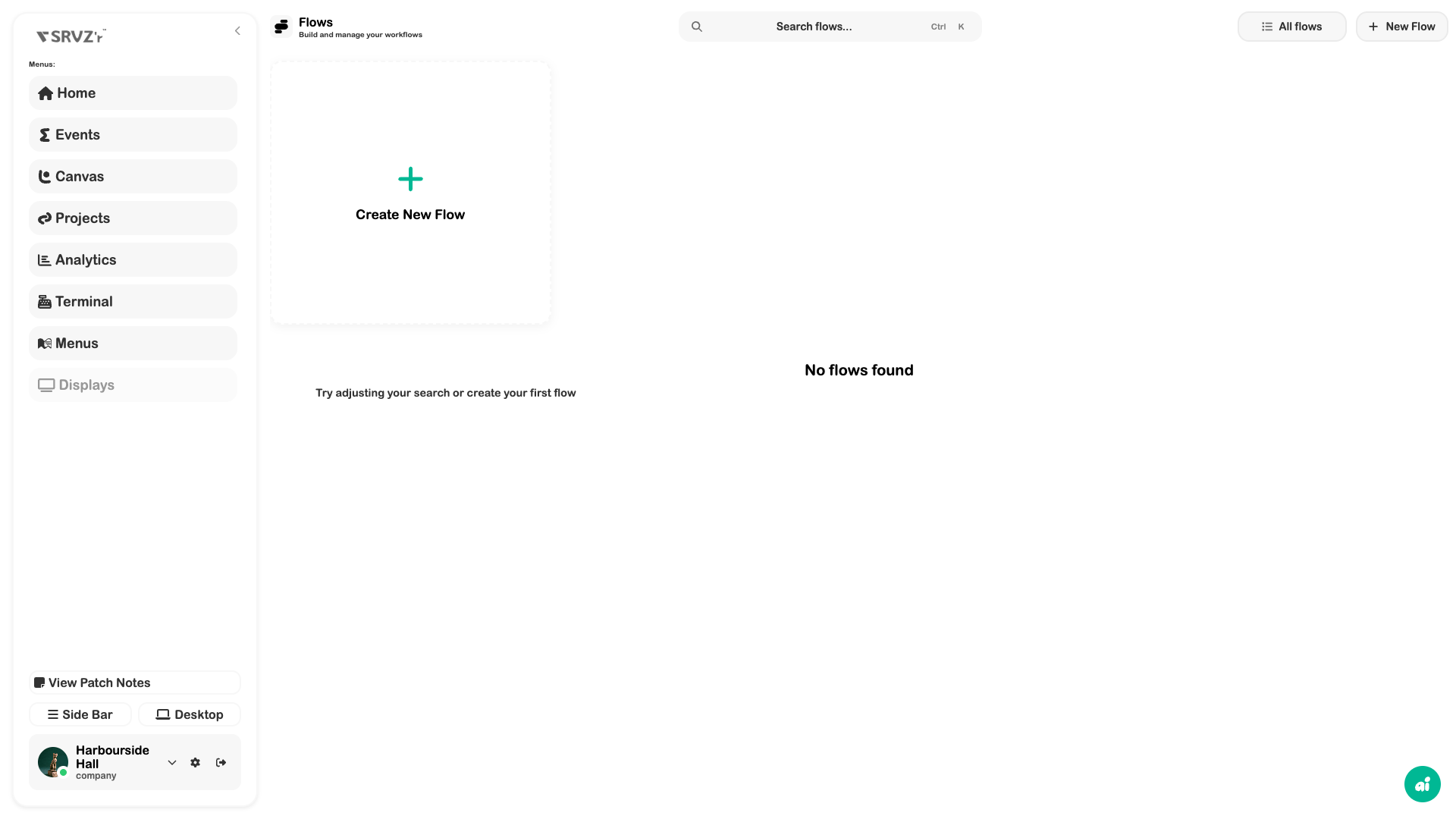
Open Flows → New Flow and choose Service Flow. Give the flow a useful name and confirm its connection to the service page. Rental, Event, and Stint flows have different purposes.
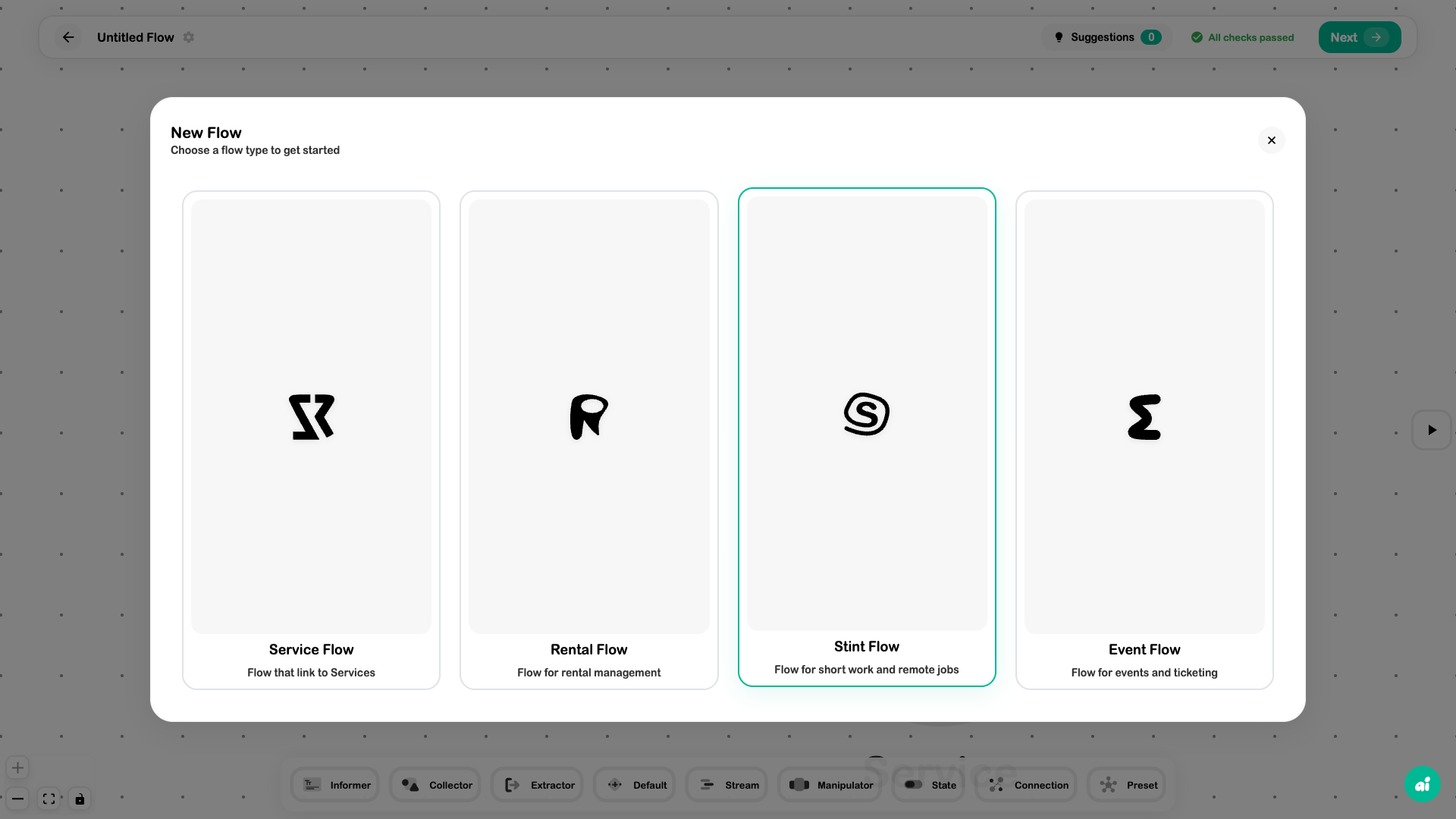
2. Build the customer steps
Add a Work Order Form element and select your published intake form. Add Tiers if customers choose between defined offers, or use Quote when the process requires a reviewed price. Configure every element before connecting the path.
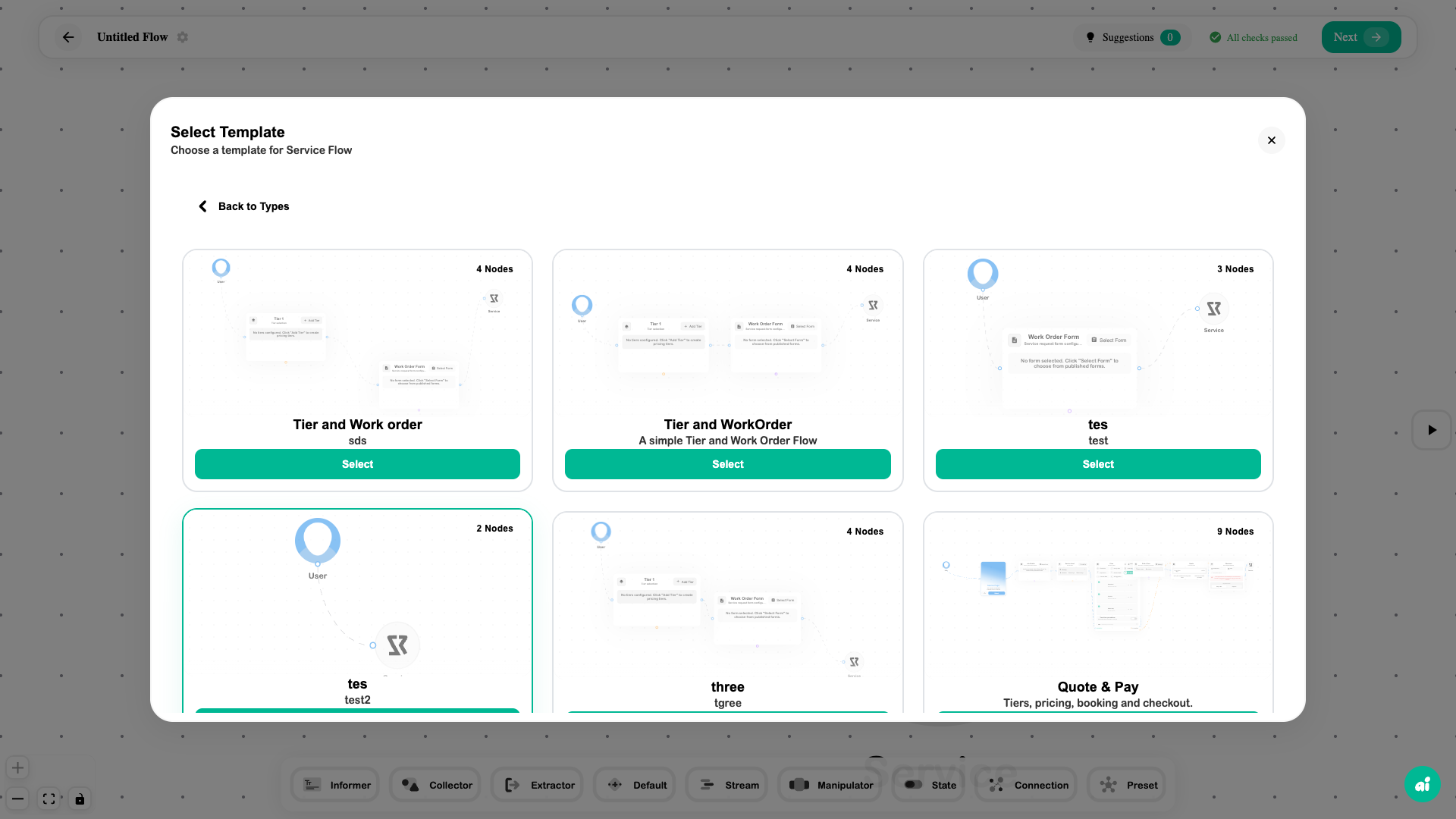
3. Add business rules deliberately
Use Calculator or Conditional when the answers affect the next step. For rentals, review Rental Rules and Timing & Pricing. For provider-pool services, review Staffing Slots and Dispatch Offers rather than assuming every job is automatically assigned.
4. Validate both paths
Inspect Suggestions and validation warnings. Preview a normal booking and an exception case. Check that the expected price, form answers, and approval/payment step appear, then save and review publication.
Expected outcome
A tested booking journey that matches the business’s rules and is linked to the intended customer offering.
Check your result
- There are no incomplete form or pricing selections.
- Normal and exception answers take the expected path.
- The customer sees the correct amount and next action.
- Saving and publishing states are understood for both flow and listing.